
SYSTEMS / 02
Clear sound.
A connected room.
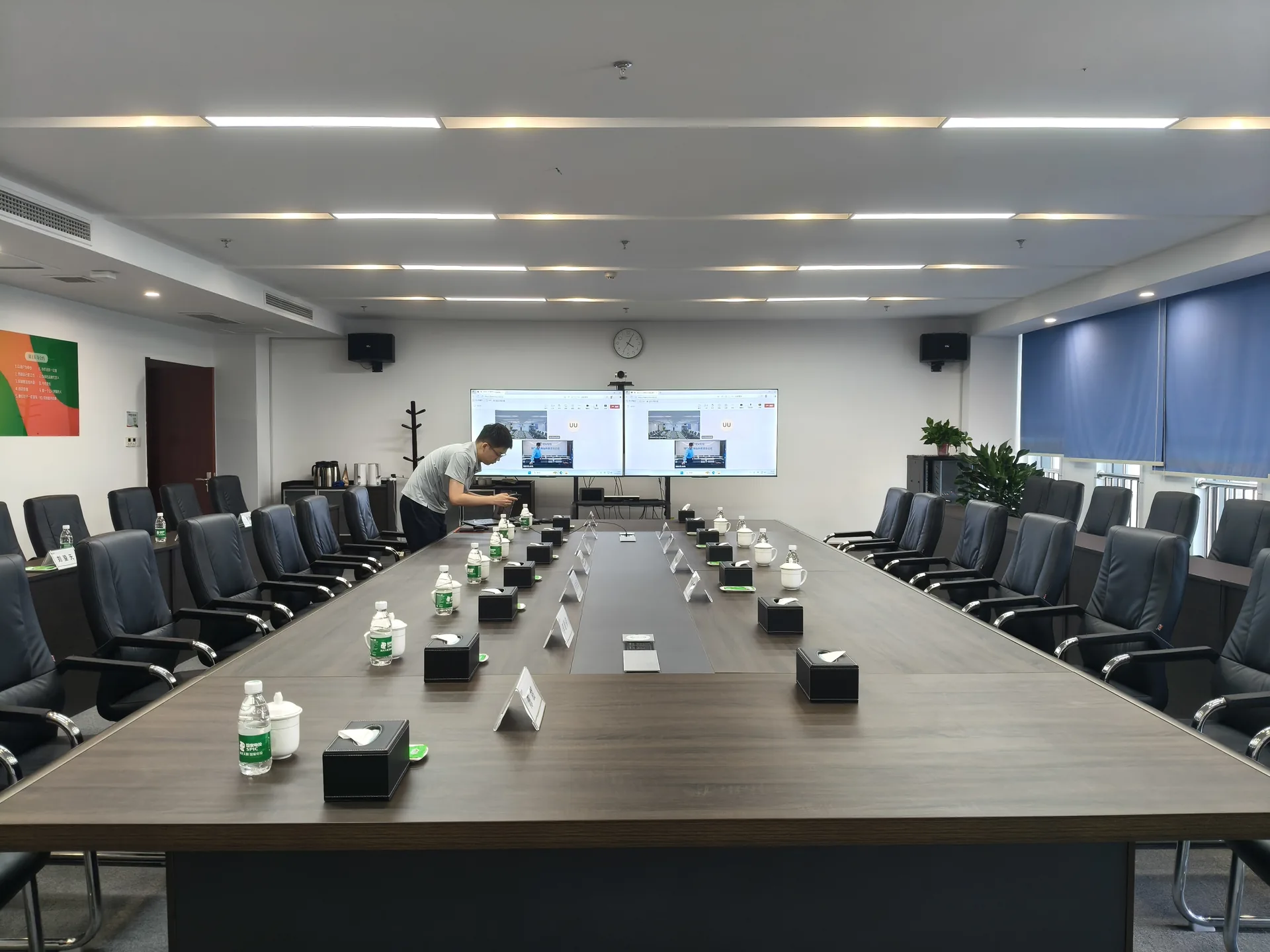
Coordinate sound, microphones, displays and video signals for your venue and meeting format.
CONTEXT / 01
Start with the meeting.
Then plan the setup.
Forums & presentations
Support speakers, discussions and visual content.
Multi-room events
Define sources and coordination across meeting rooms.
Hybrid meetings
Plan remote speakers, room audio and return feeds.
HOW WE WORK / 02
A clear process.
At every step.
The final configuration and scope are confirmed against your actual requirements.
- 01
Venue review
Space, power, acoustics, network and access.
- 02
Signal planning
Microphones, speakers, displays and remote connections.
- 03
Setup & checks
Test audio, video, return feeds and presentations.
- 04
Event operation
Coordinate signals and on-site teams with the agenda.
REAL WORK / 03
Let the real work speak.
A place for actual equipment, people and delivery.
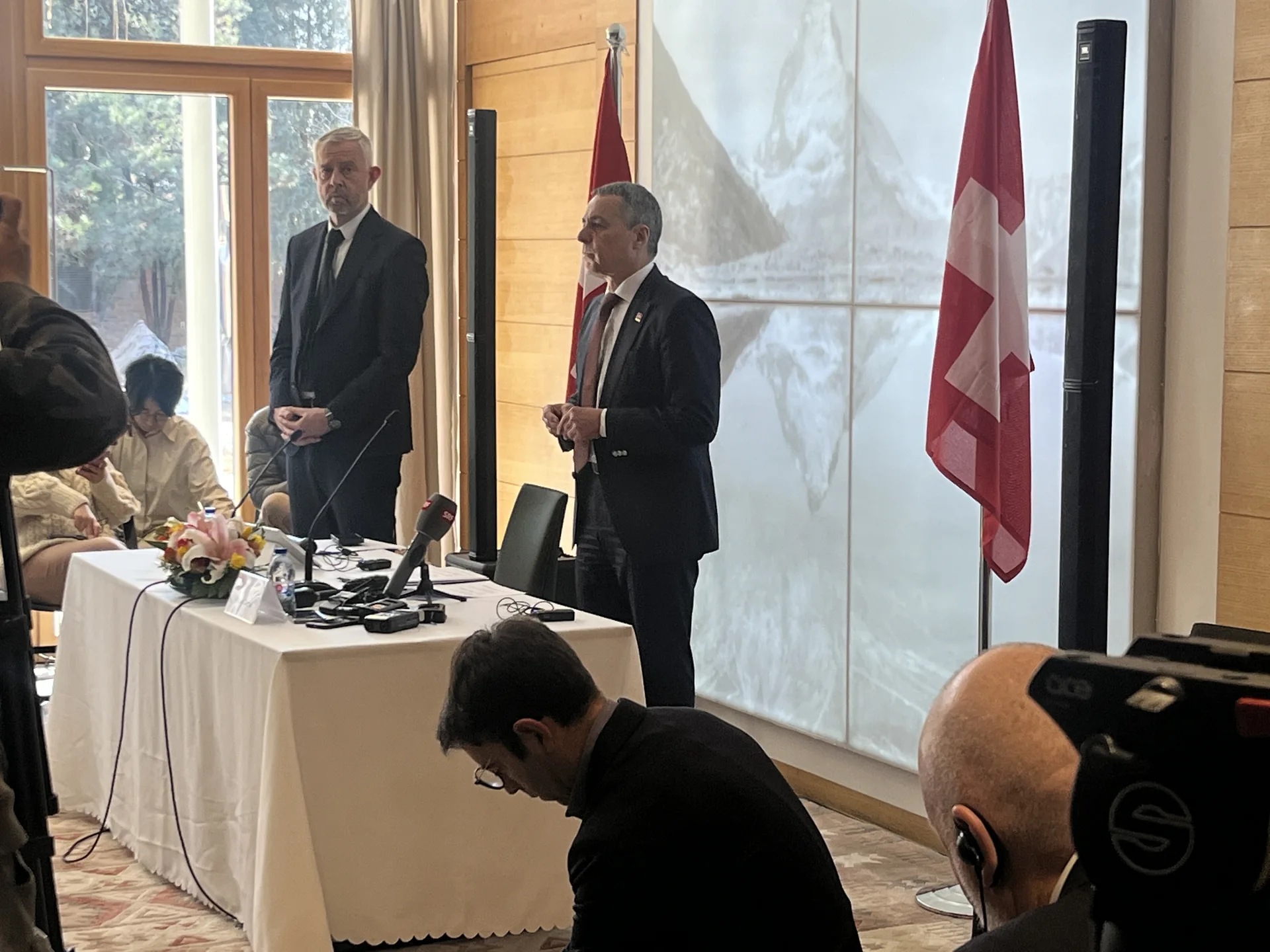
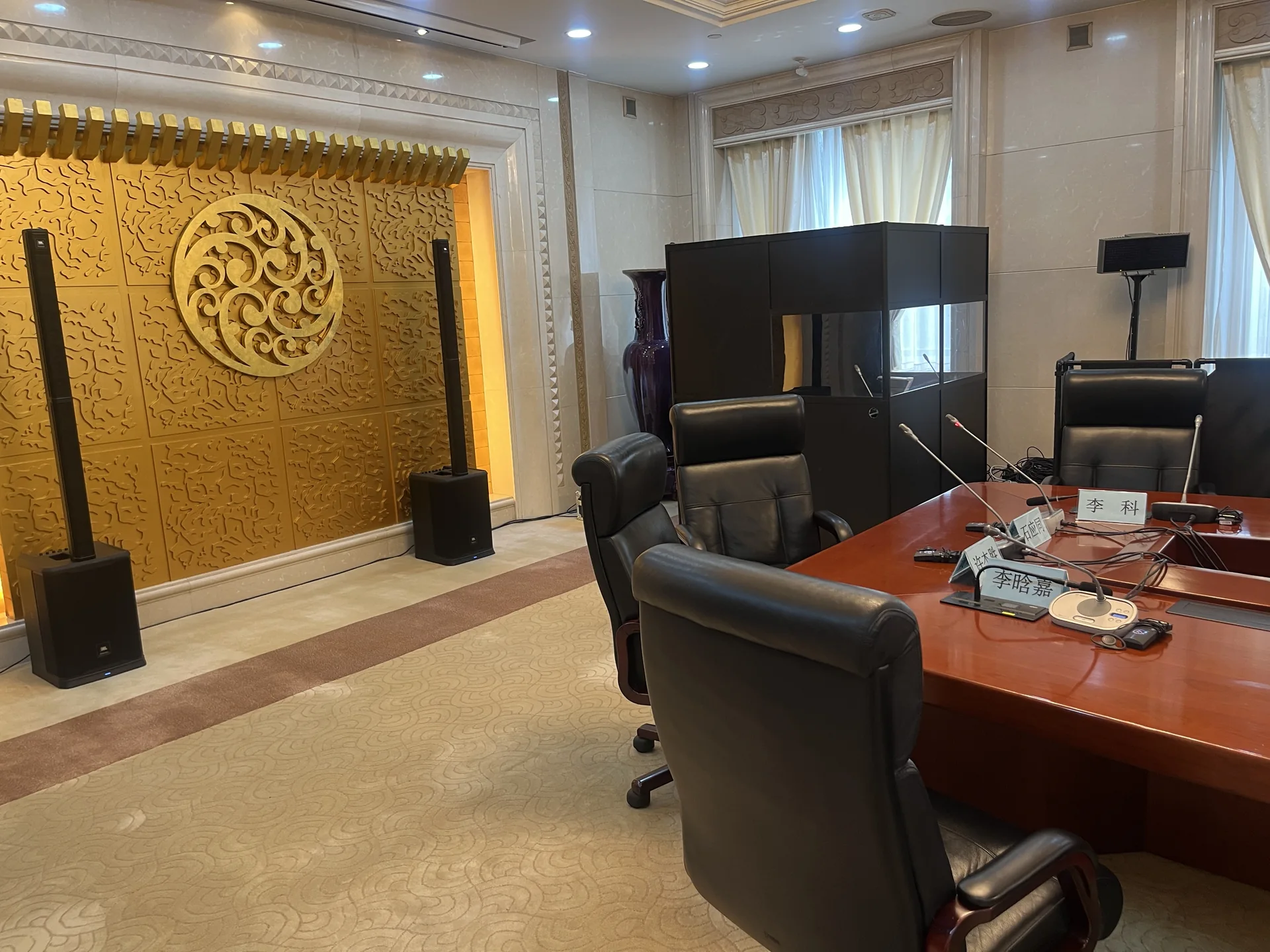
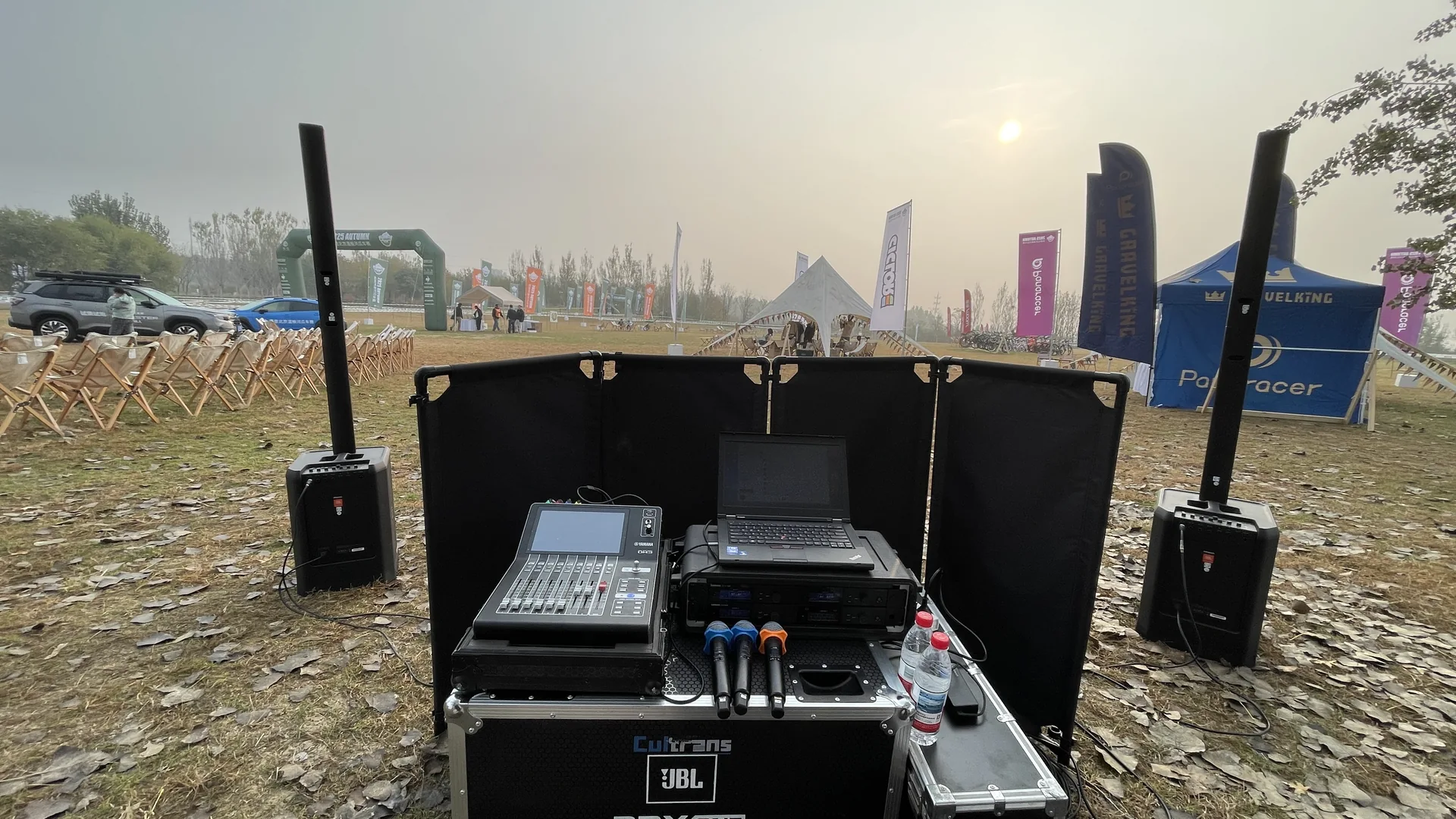
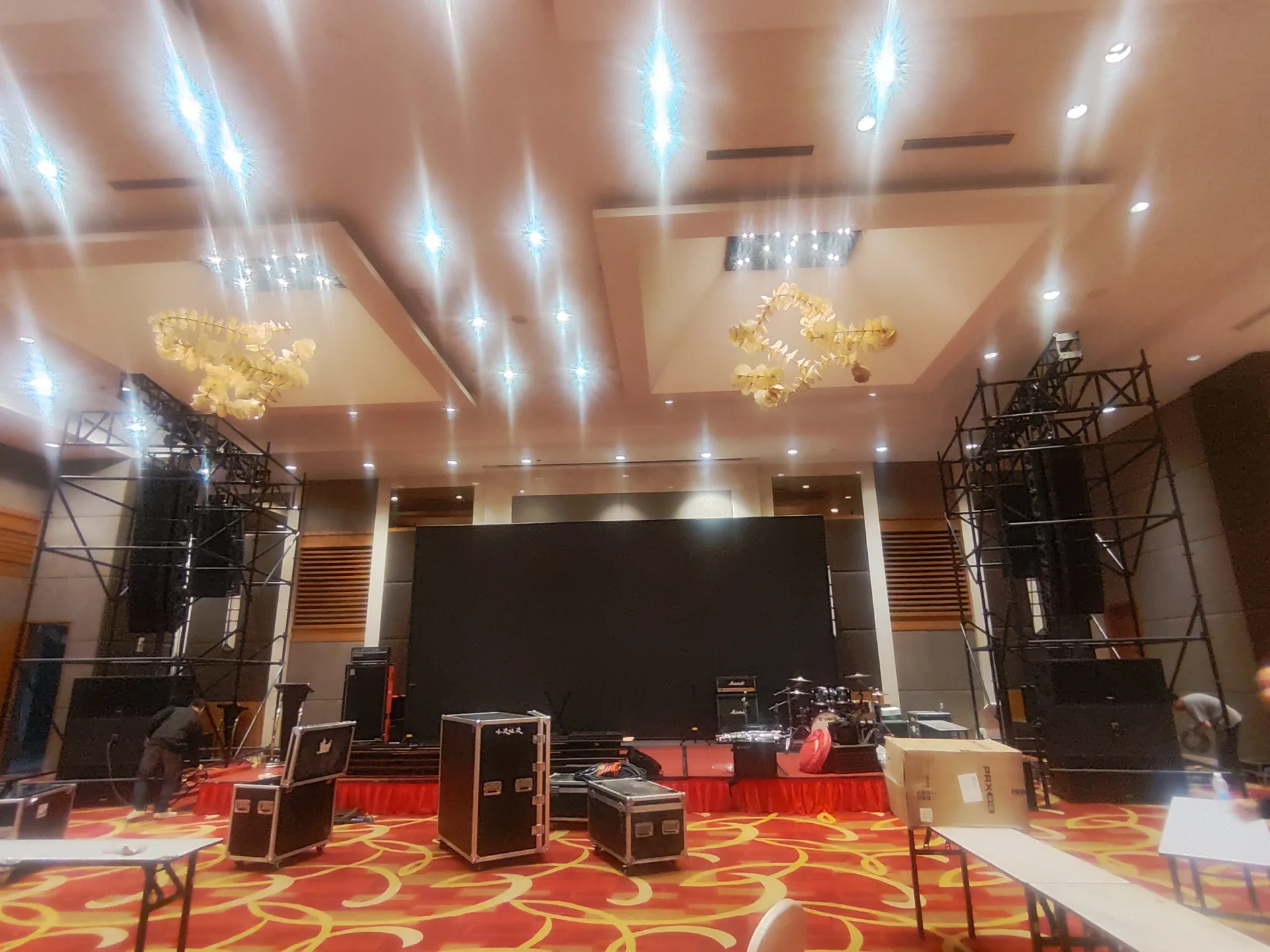
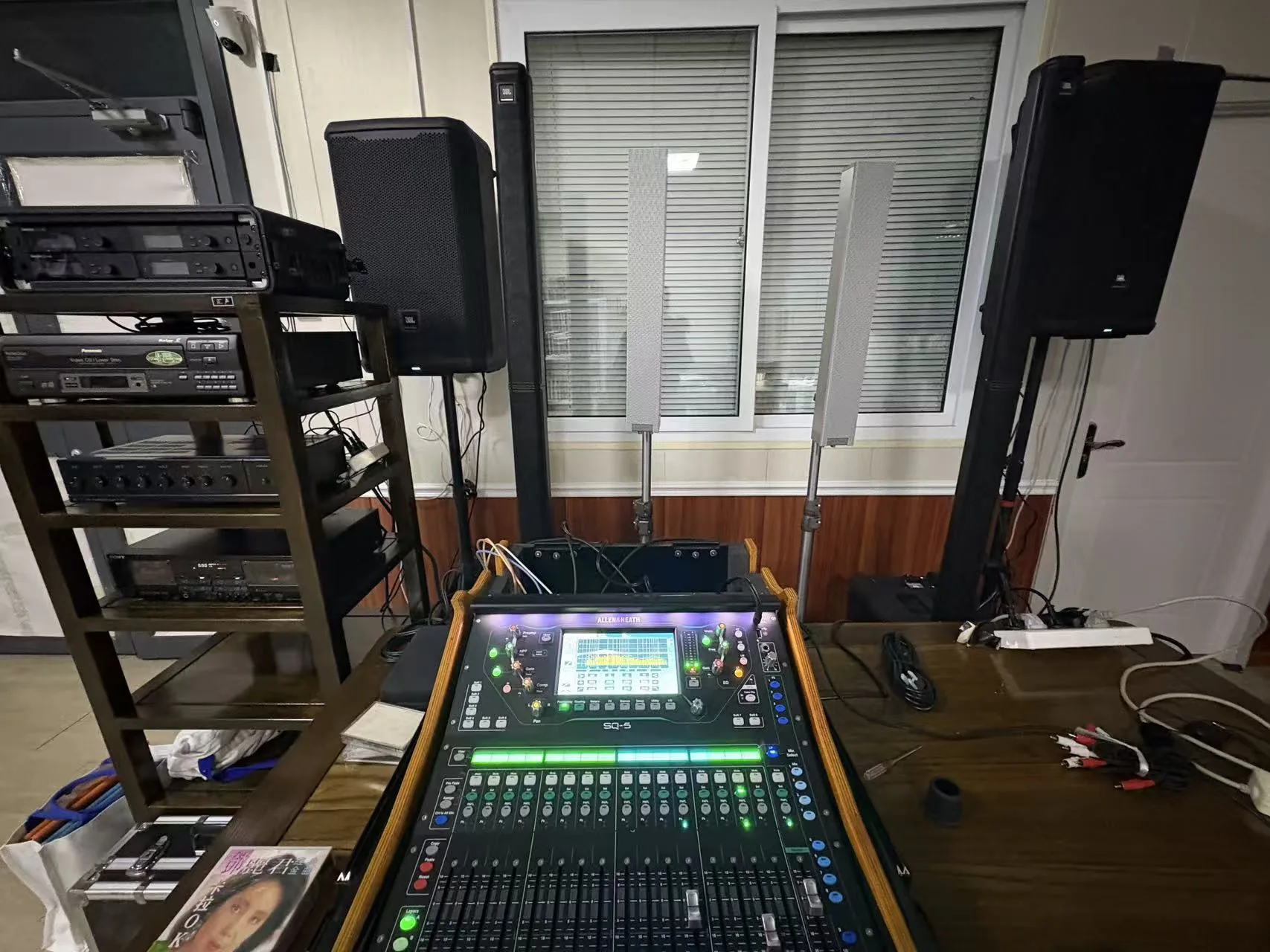
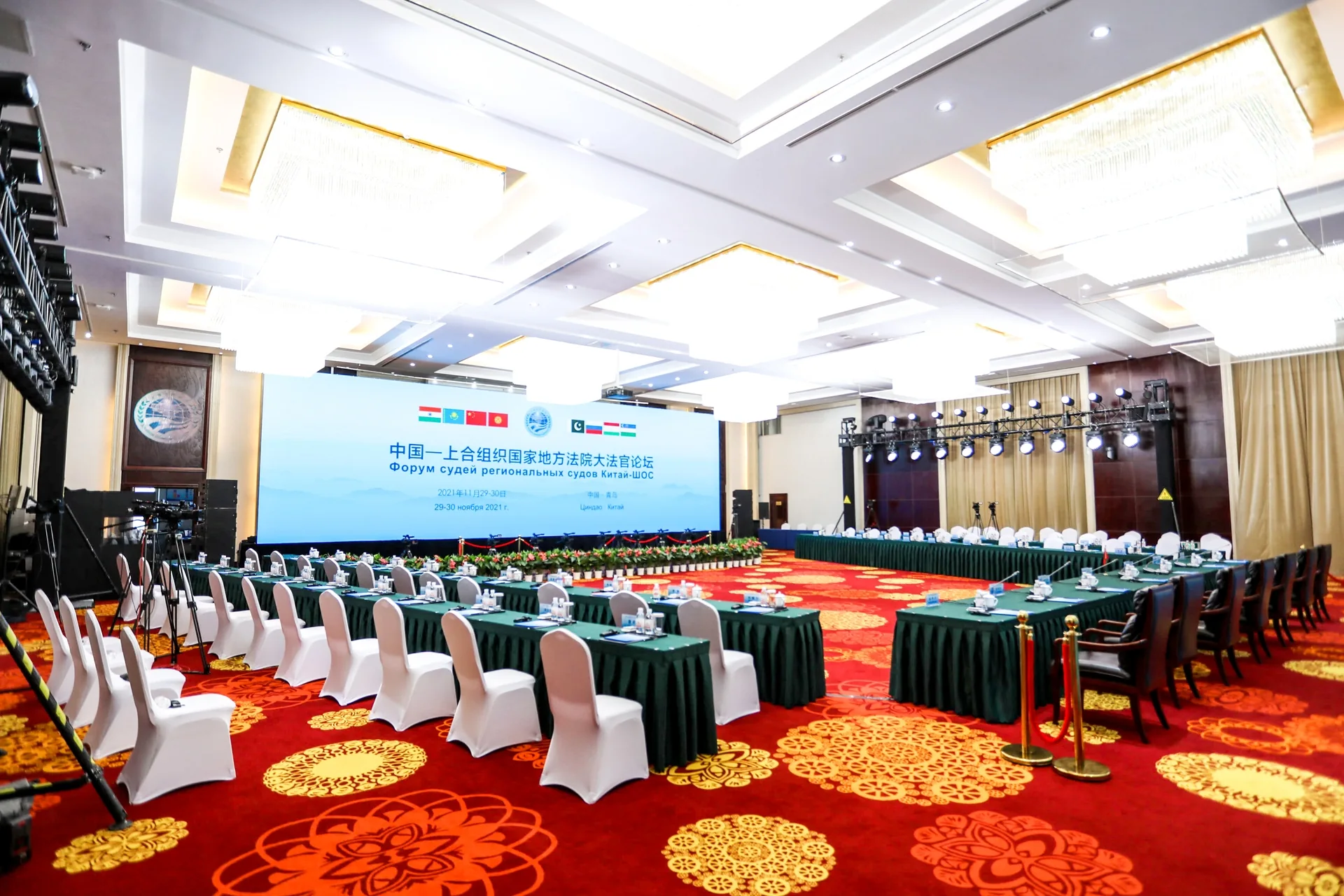
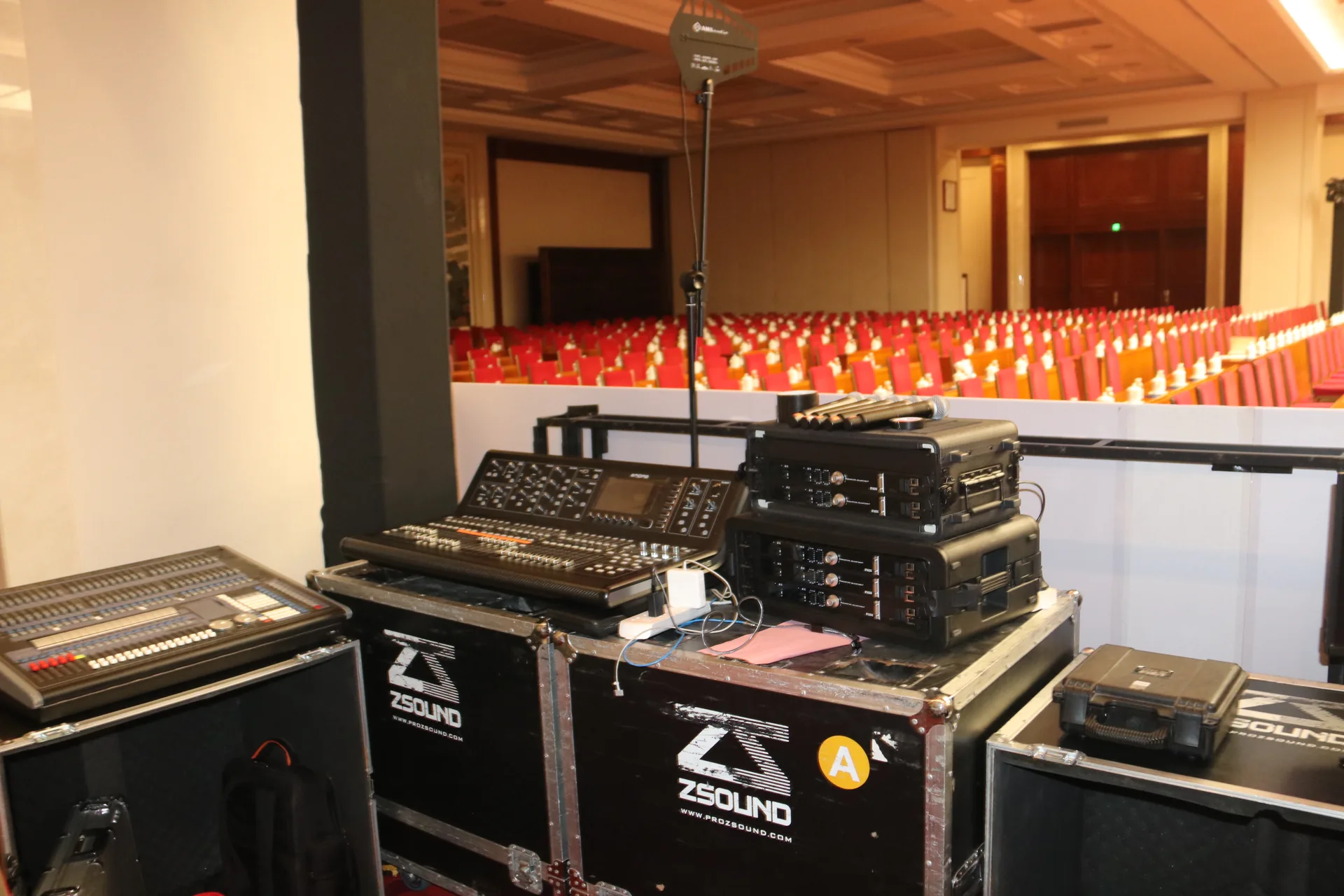
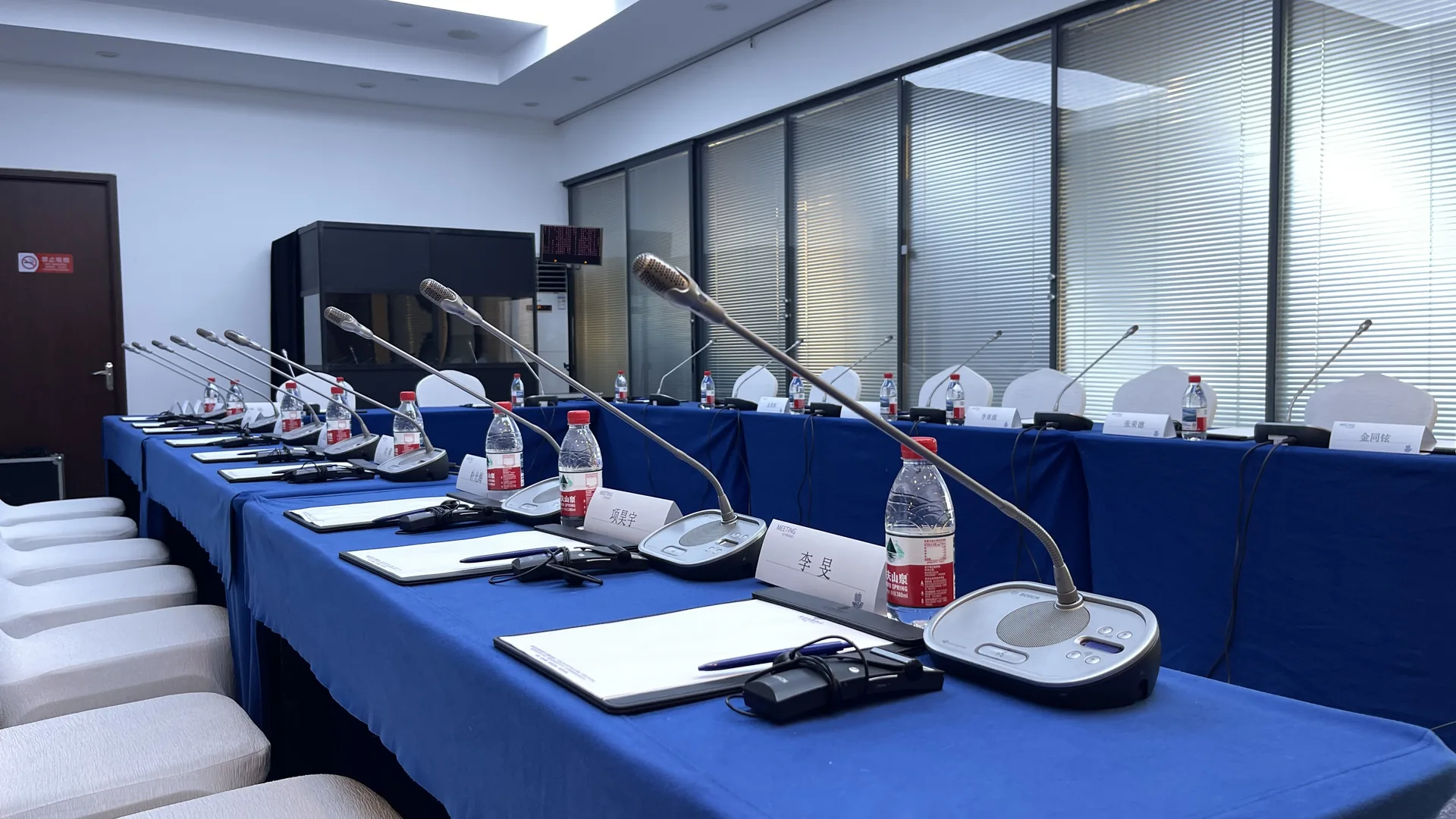
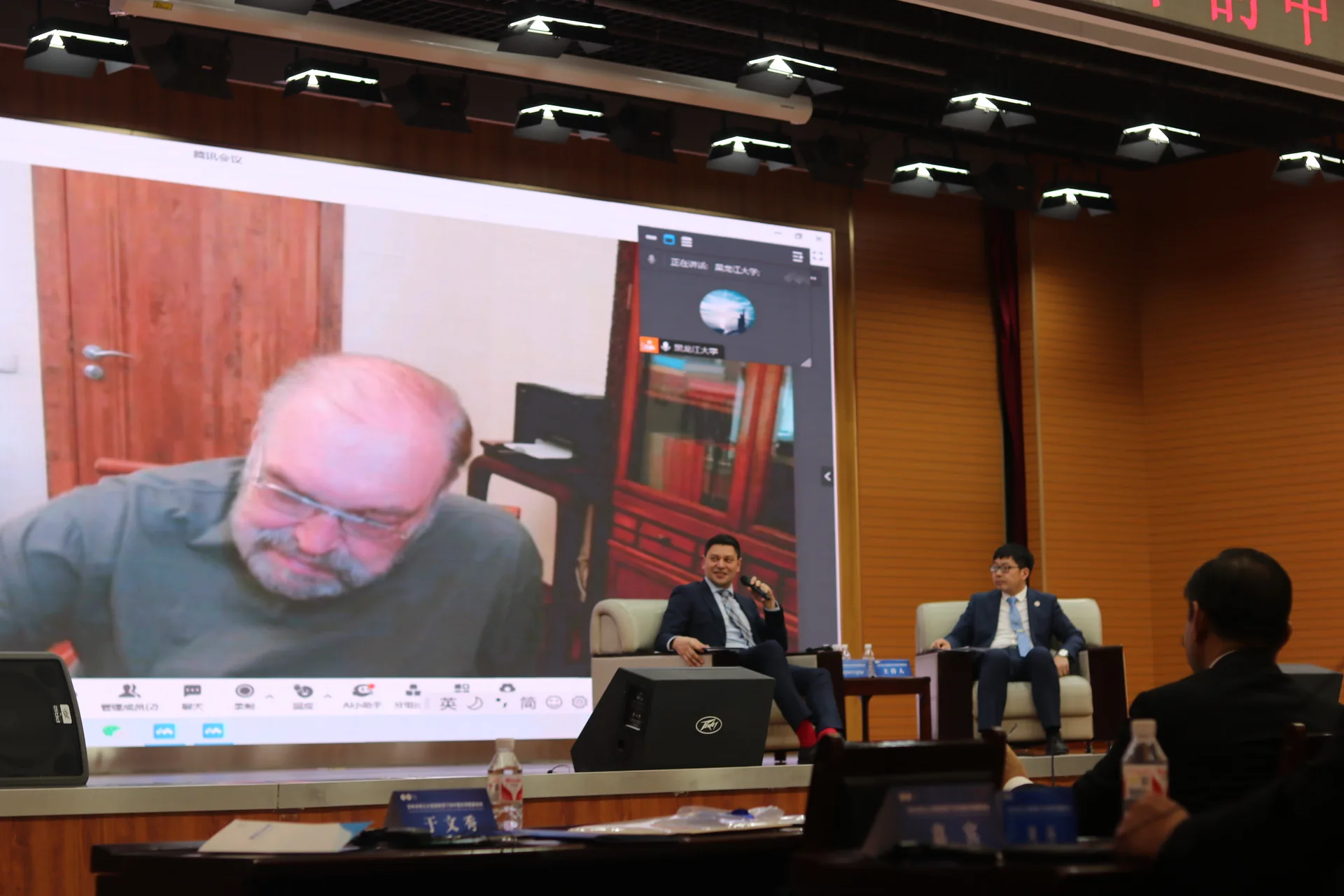
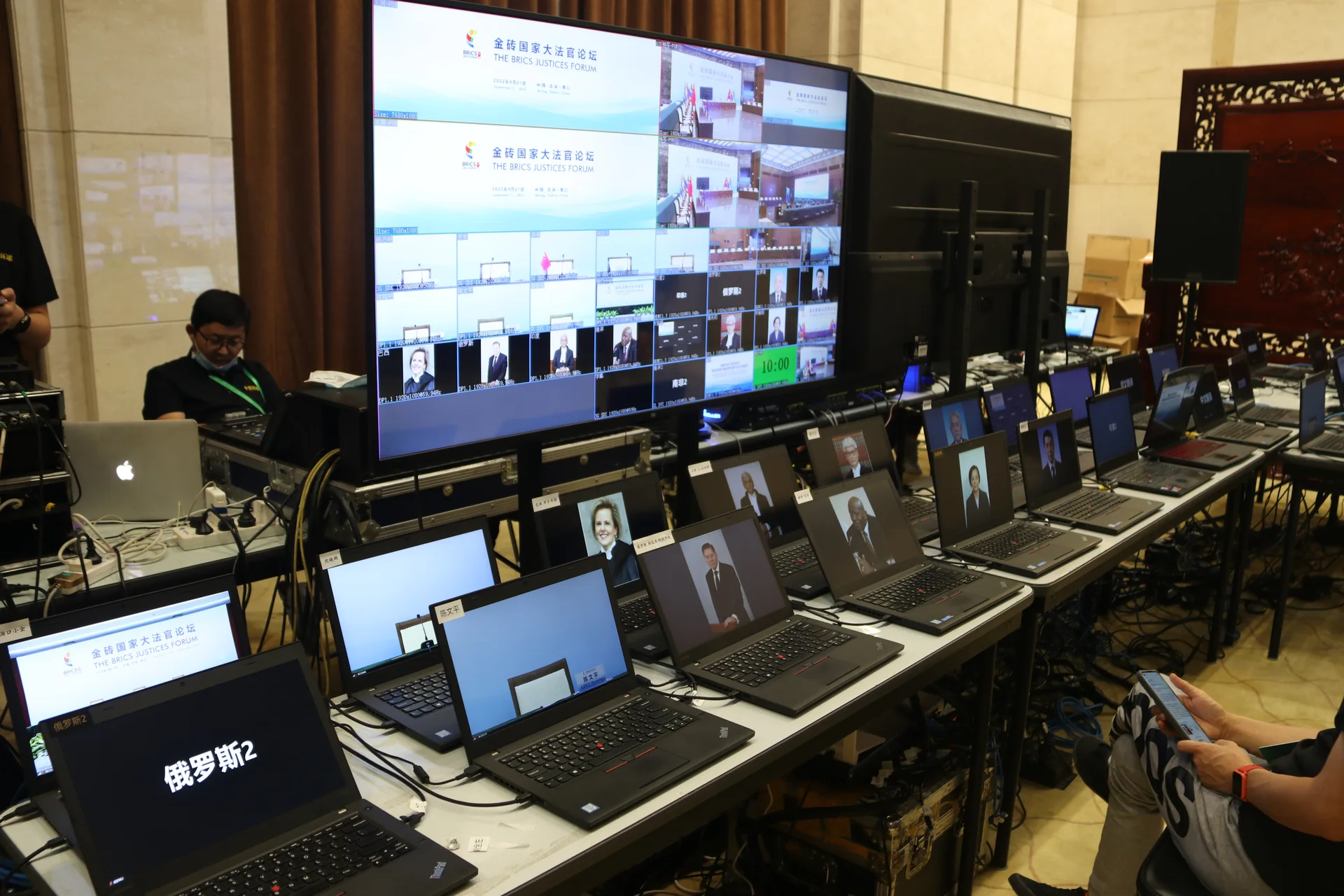
Give every audio and video signal a clear destination
Map the signal paths first
Distinguish microphone capture, room sound reinforcement, presentation visuals, remote speakers and return feeds. Identify the source, destination, switching owner and on-site checking method for each signal.
Check both audio directions in hybrid meetings
Remote participants hearing the room and the room hearing remote participants are two different directions. Test duplicate return feeds, echo and crosstalk. Screen sharing or one-way playback alone does not validate the complete meeting chain. Platforms and interfaces are confirmed per project.
Include agenda changes in technical preparation
Moderation, presentations, discussions and media playback have different switching requirements. Confirm slide aspect ratios, audio materials, displays and speaking order beforehand so the output fits the programme.
From brief to delivery: a checklist
- Confirm venue, power, network, equipment access and in-person and remote participation arrangements.
- Map audio and video signals, identifying interfaces for displays, listening, remote access and interpretation.
- Test actual presentation materials and remote devices. Check both in-room and remote experiences, and rehearse moderation and Q&A transitions.
- Coordinate delivery around the agenda. If a fault occurs, identify whether it is at the input, transmission or output stage, then follow the agreed backup or pause procedure.
Related project record
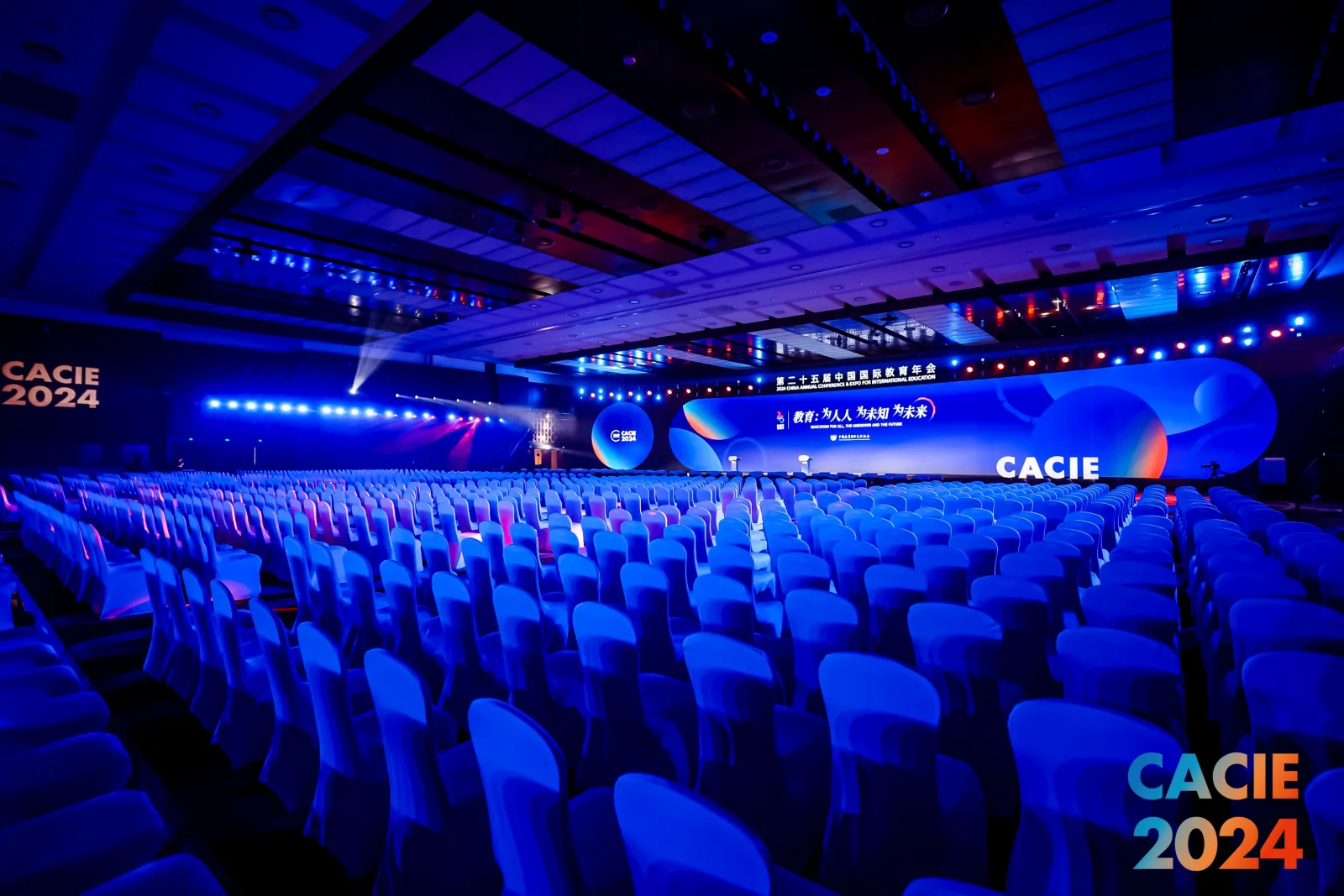
The 25th China International Education Annual Conference
The published record describes plenary sessions, parallel forums and exchanges. It provides context for a multi-part conference, but does not specify Cultrans' AV delivery scope.
View project details →Frequently asked questions
Why can remote participants see the presentation but not hear clearly?
Video and audio may use different paths. Check microphone capture, input selection, return feeds and remote listening separately. A working picture is not proof of working audio.
How can echo be reduced in hybrid meetings?
Check whether remote audio is being sent back to the remote participants, or multiple devices have microphones and speakers active together. The solution depends on the equipment and platform connections.
Who should join the pre-event test?
Organisers, a moderator or speaker representative, on-site technicians and remote test participants should confirm the actual workflow together. Playing a test file in an empty room cannot cover every scenario.
Is backup equipment included by default?
Define backup scope against meeting risk, venue and budget. Specify what can be switched, who operates it, the conditions for switching and acceptable interruption, rather than relying on a general assurance.
Discuss the next step
Share the venue plan, agenda, in-room and remote participation arrangements and presentation requirements to discuss audio capture, displays, return feeds and integration testing.
Discuss your conference with Cultrans · 400-810-0185 · kunchengguoji@foxmail.com
LET’S PLAN YOUR CONFERENCE
Your next conference
starts with a conversation.
City · Date · Attendance · Languages · Services
Call us · 400-810-0185 ↗kunchengguoji@foxmail.com